New information about broadcast metrics and events is now available in
Cloudflare Stream in the Live Input details of the Dashboard.
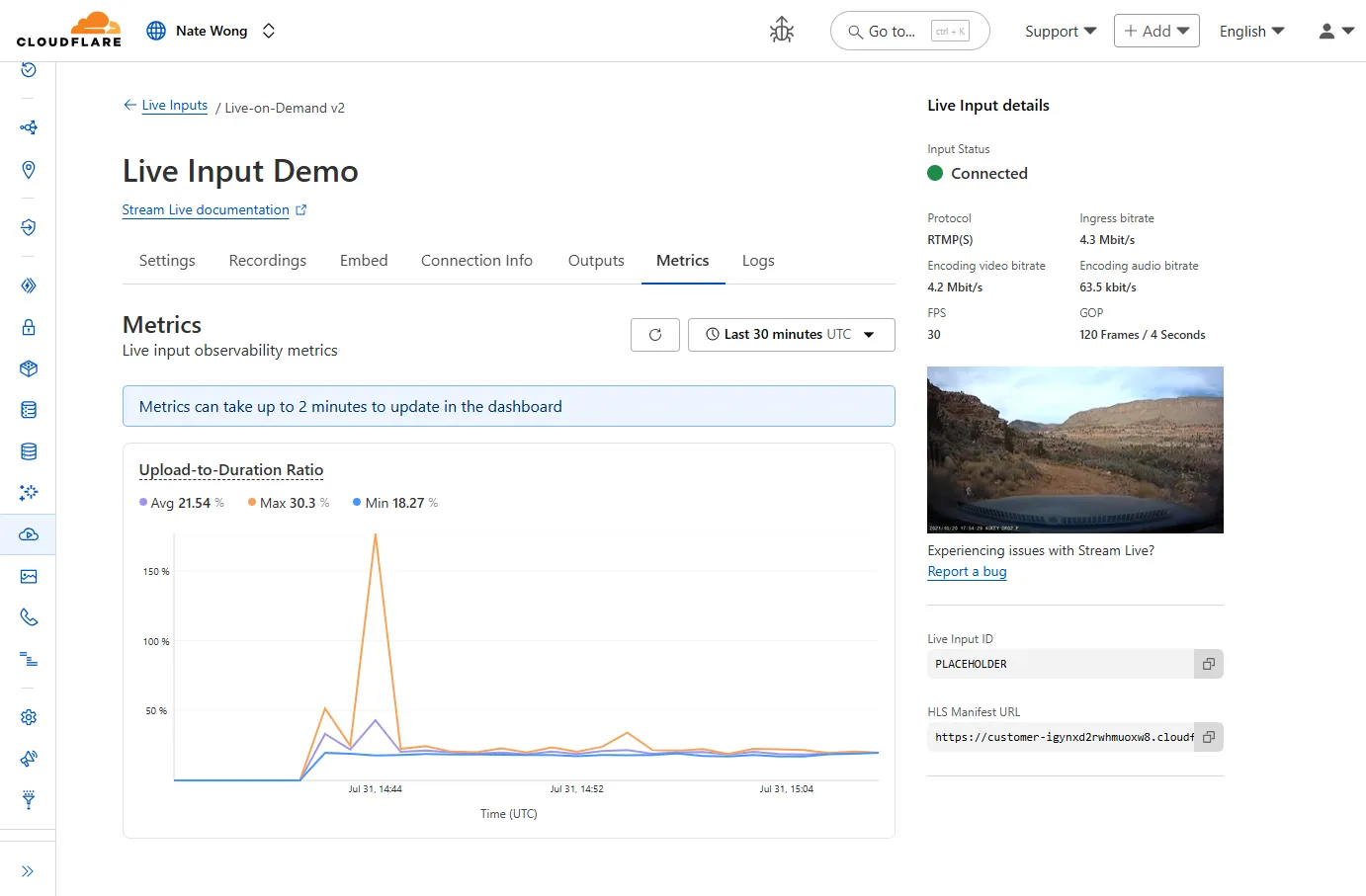
You can now easily understand broadcast-side health and performance with new
observability, which can help when troubleshooting common issues, particularly
for new customers who are just getting started, and platform customers who may
have limited visibility into how their end-users configure their encoders.
To get started, start a live stream (just getting started?), then visit the Live Input details page in Dash.
See our new live Troubleshooting guide
to learn what these metrics mean and how to use them to address common broadcast
issues.
Leave a Reply